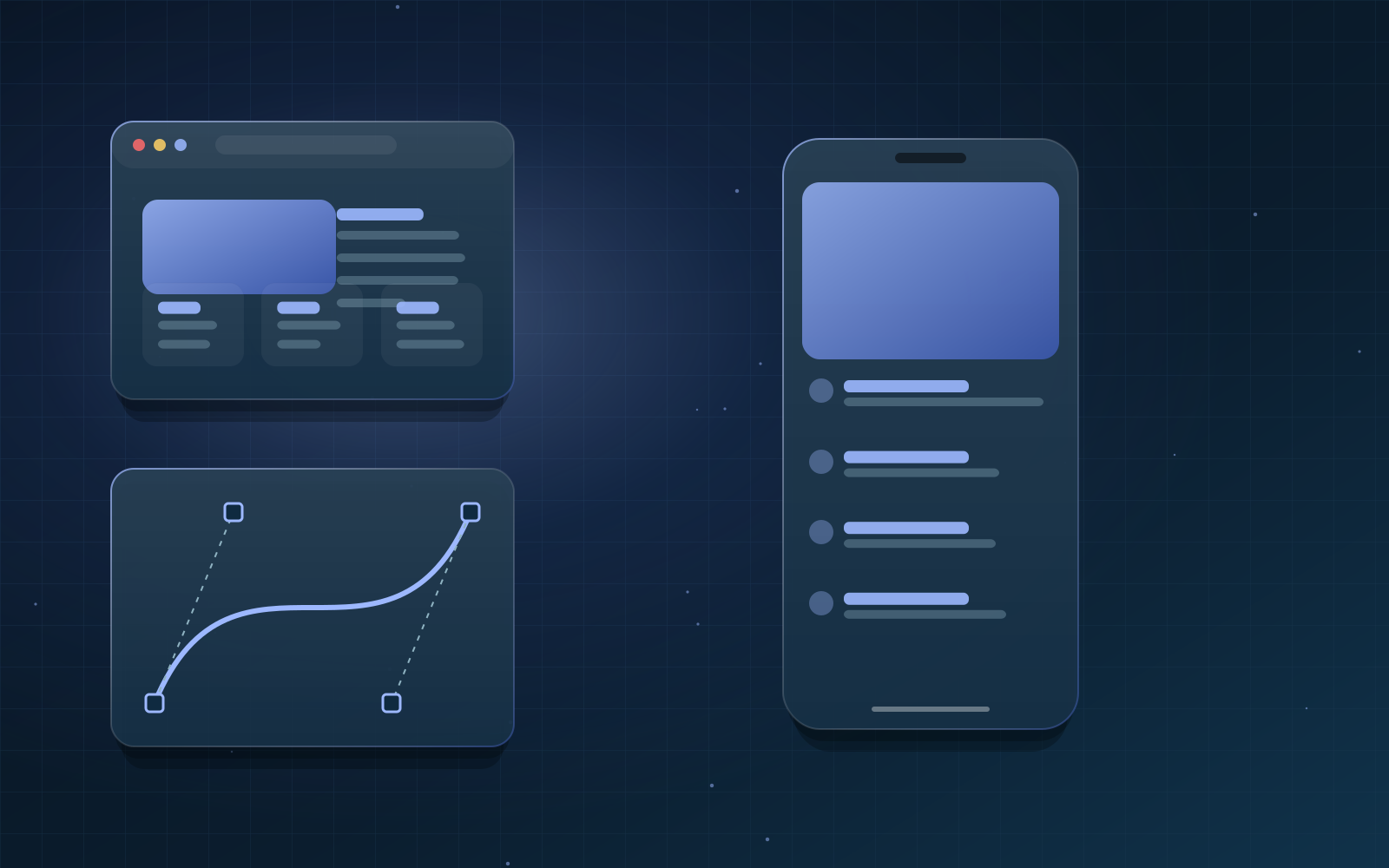
UI design shapes how an interface looks; UX design shapes how it works for the people using it. This guide explains the UX process, core usability principles and how design systems keep products consistent.
Key facts - UX: How a product works and feels across a whole journey - UI: The visual and interactive layer of screens - Core methods: Research, journey mapping, wireframes, prototyping, testing - Accessibility standard: WCAG 2.2 - GreenTech service: UI/UX Design | /services/ui-ux-design
UI/UX design is the discipline of making digital products useful, usable and attractive. User experience (UX) design looks at the whole journey a person takes to complete a task. User interface (UI) design focuses on the screens themselves: layout, typography, colour, controls and feedback.
Overview
Good design reduces effort. When an interface is clear, people finish tasks faster, make fewer mistakes and need less support. That is why design work starts with understanding users and their goals, not with colours or animation.
The UX design process
- Research: interviews, analytics and support tickets reveal real needs and pain points.
- Definition: personas, jobs to be done and success measures.
- Information architecture: how content and features are grouped and named.
- Wireframes: low-detail layouts that test structure before visual design.
- Prototypes: clickable flows used to test ideas with real users.
- Visual design: the UI layer, built on an accessible design system.
- Validation: usability testing and analytics after release.
Usability principles
Jakob Nielsen's ten usability heuristics remain a practical checklist. They include keeping users informed about system status, matching the language people use, giving users control to undo, staying consistent, preventing errors and favouring recognition over memory.
Accessibility is part of design
The Web Content Accessibility Guidelines (WCAG) 2.2 describe how to make interfaces usable for people with visual, motor, hearing and cognitive disabilities. Designers apply them through sufficient colour contrast, visible focus states, large enough touch targets, clear labels and error messages that explain how to fix a problem.
Design systems
A design system is a shared library of colours, type styles, spacing, components and usage rules. It keeps products consistent, speeds up development and makes accessibility easier to maintain because each component is checked once and reused everywhere.
Deliverables you should expect
- Research summary and user journey maps.
- Sitemap or product structure.
- Wireframes and an interactive prototype.
- High-fidelity screens for mobile and desktop.
- A documented component library and design tokens.
Frequently asked questions
What is the difference between UI and UX?
UX is about how a product works for people across a whole task. UI is the visible layer of that experience: screens, controls and visual style. Both are needed for a product to feel good to use.
Why is user testing important?
Teams are too close to their own product to see its problems. Watching five or six real users attempt key tasks usually reveals the biggest usability issues quickly and cheaply.
Do small businesses need a design system?
Even a small site benefits from a lightweight design system: a defined palette, type scale and a handful of reusable components. It keeps the brand consistent as the site grows.