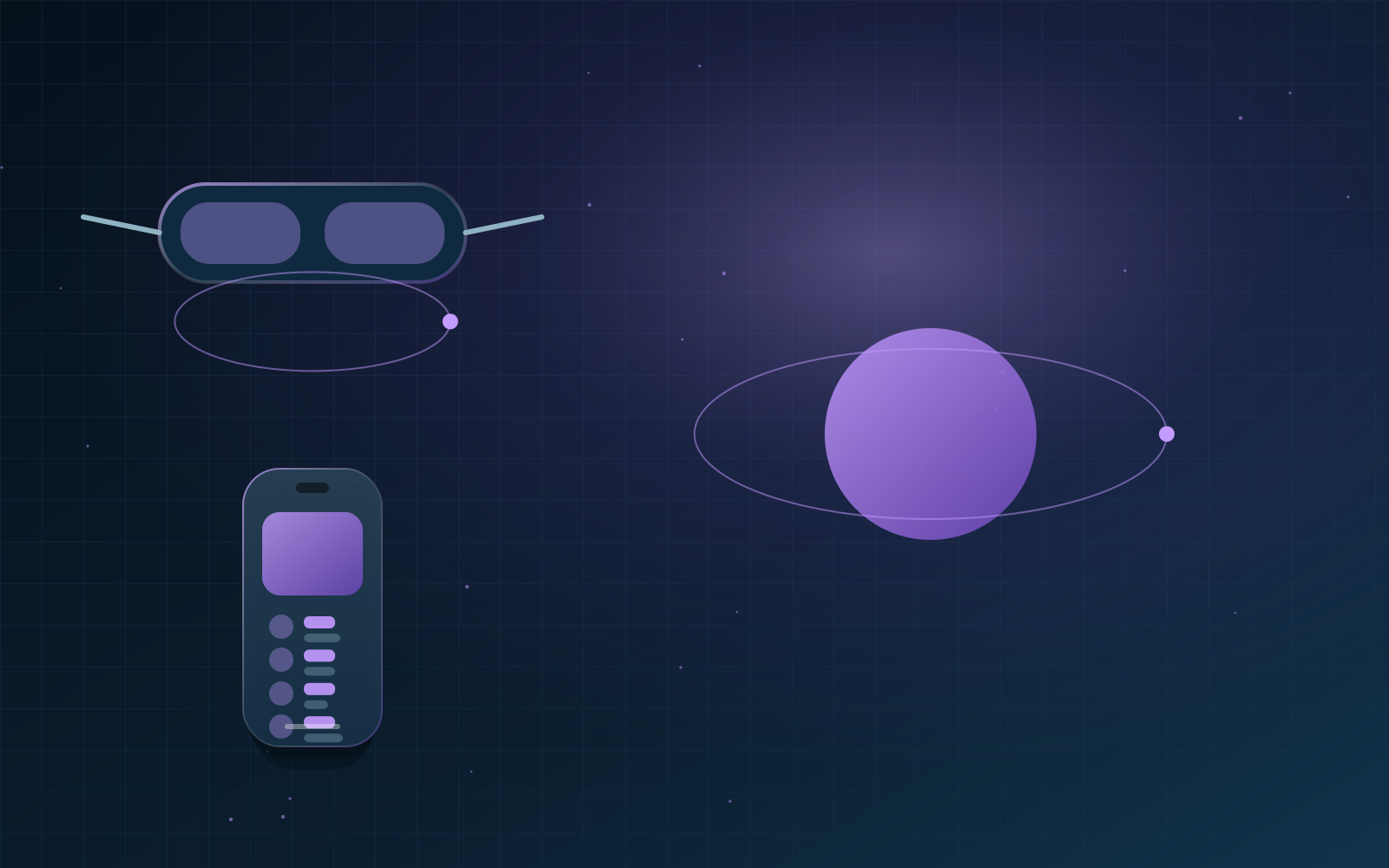
Augmented reality overlays digital content on the real world through a phone, tablet or headset. Learn how AR works, the most useful business applications and how to plan an AR experience people will actually use.
Key facts - Definition: Digital content layered onto a live view of the real world - Devices: Smartphones, tablets, AR glasses and headsets - Toolkits: ARKit (Apple), ARCore (Google), WebXR - Strong use cases: Product visualisation, training, wayfinding, marketing - GreenTech service: Augmented Reality | /services/augmented-reality
Augmented reality (AR) is technology that adds digital elements, such as 3D models, labels or animations, to a person's view of the real world in real time. Unlike virtual reality, AR keeps users in their actual environment.
How AR works
An AR system uses a device's camera and sensors to understand the space around it: flat surfaces, lighting and the device's position. It then places digital objects so they appear anchored in the room. Apple's ARKit and Google's ARCore provide these capabilities on phones, and the WebXR standard brings AR to supported browsers.
WebAR or app-based AR?
WebAR
Runs in the browser with no download, which removes friction for marketing campaigns and product previews. Capabilities vary by device and browser.
App-based AR
Offers the most advanced tracking and performance and suits repeated use, such as training or field-service tools, but requires users to install an app.
Business applications
- Product visualisation: placing furniture, equipment or packaging at real scale.
- Training: step-by-step guidance overlaid on machinery.
- Retail and marketing: interactive packaging, try-ons and campaigns.
- Wayfinding: guidance in venues, campuses and events.
- Sales: showing large products that cannot be brought to a meeting.
Planning an AR experience
- Define the job AR does better than a photo or video.
- Identify the target devices and decide between WebAR and an app.
- Prepare optimised 3D assets with accurate scale and materials.
- Design clear onboarding: how to scan, place and interact.
- Test in real lighting and spaces, not only in the studio.
- Measure engagement time, conversions and return visits.
Frequently asked questions
Do customers need special hardware for AR?
No. Most recent smartphones support AR. Headsets and glasses add hands-free use but are not required for most marketing and product experiences.
How much 3D content do we need?
Start with a small set of priority products or scenes. Well-optimised 3D models load faster and look better than a large library of heavy files.
What is the difference between AR and VR?
AR adds digital content to the real world; VR replaces the real world with a fully virtual environment.